
Download jPDF Tweak – PDF editing, document management, PDF utility, PDF tools, PDF merger, PDF watermark, PDF signature, PDF presentation
Overview
jPDF Tweak is a free mobile application designed to provide users with essential tools for managing and modifying PDF documents directly from their smartphones. Built for individuals and professionals who frequently handle digital documents, the app offers a suite of utilities aimed at streamlining PDF workflows. Its primary purpose is to empower users to merge, edit, watermark, and enhance PDF files without requiring access to a desktop environment. This makes it particularly useful for remote workers, students, and administrative staff who need quick, on-the-go document adjustments.
The app supports core document management tasks such as combining multiple PDFs into a single file, modifying page layouts, and applying visual enhancements like watermarks and transitions. These features are especially valuable when preparing reports, presentations, or shared documents that require branding or confidentiality markers. The developer, jPDF Tweak, has positioned the app as a lightweight yet powerful utility within the productivity ecosystem, focusing on accessibility and ease of use.
Although the developer did not provide additional technical details about their background, the app’s open-source nature suggests a community-driven development model. This transparency may appeal to users who value control and customization. The app’s release date, October 19, 2010, indicates a long-standing presence in the digital document space, suggesting reliability and ongoing maintenance. Real-world use cases include preparing job applications, organizing academic materials, and securing sensitive files for sharing.
Key Features & Functionality
- PDF Merging and Page Management: Users can combine multiple PDF files into one cohesive document with simple tap gestures. This functionality is ideal for compiling scanned pages, research papers, or forms into a single file for easier distribution.
- Custom Watermarking: The app allows users to add personalized watermarks—text or image-based—to any page. This is useful for marking internal documents as “Confidential” or branding files with company logos.
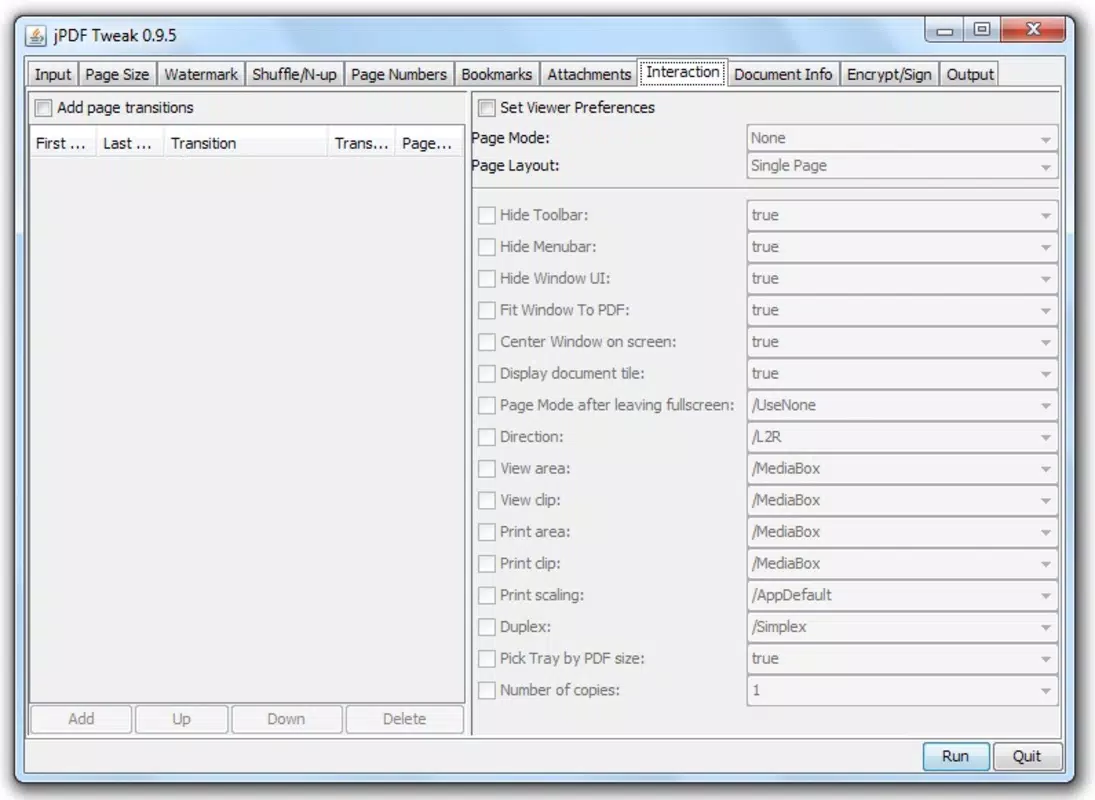
- Page Transitions for Presentations: With support for adding transitions between pages, jPDF Tweak enhances the visual flow of PDF-based presentations, making them more engaging during meetings or client reviews.
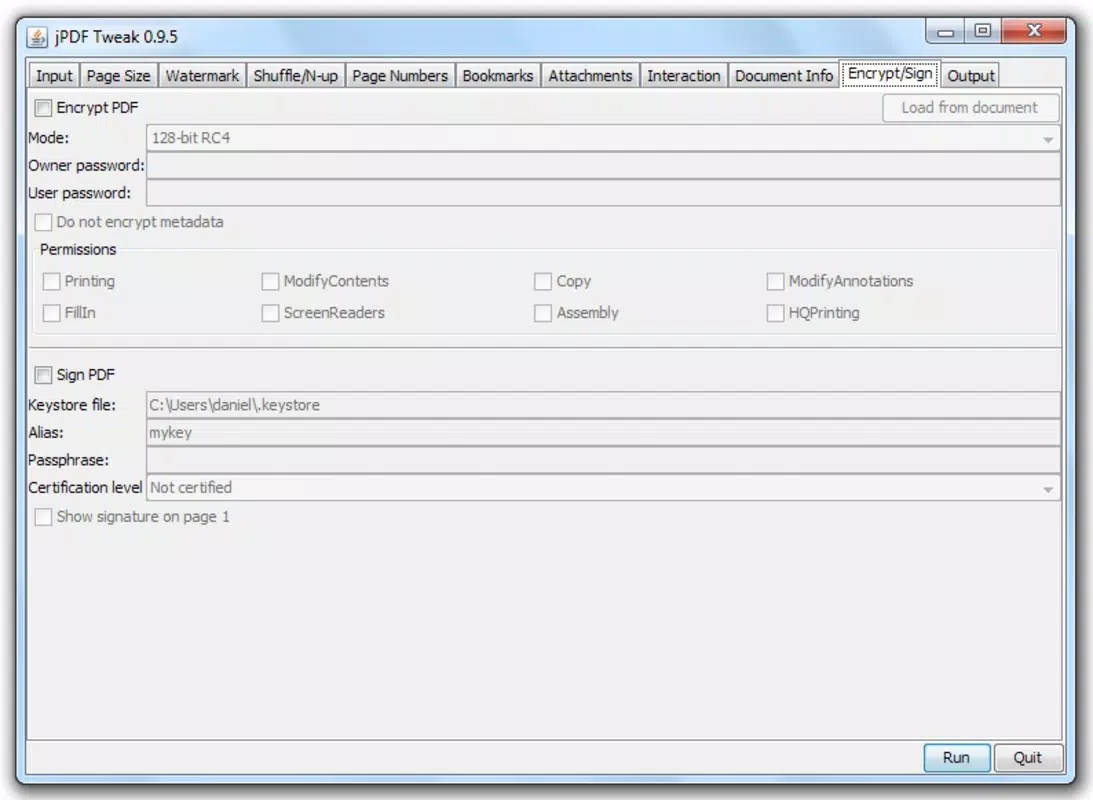
- Attachment and Signature Integration: Users can embed supplementary files or digital signatures directly into their PDFs. This feature supports document authenticity and is beneficial for contracts, approvals, or submission processes.
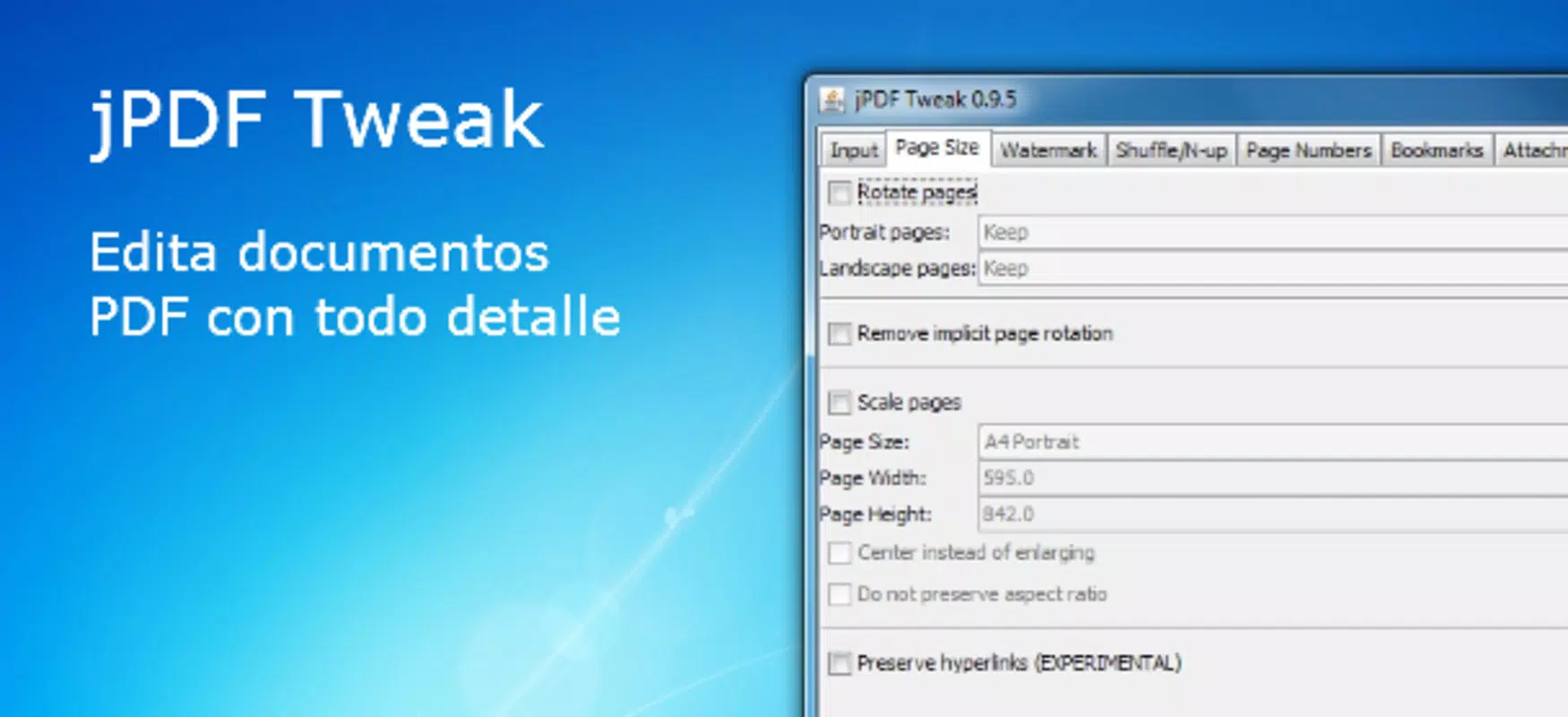
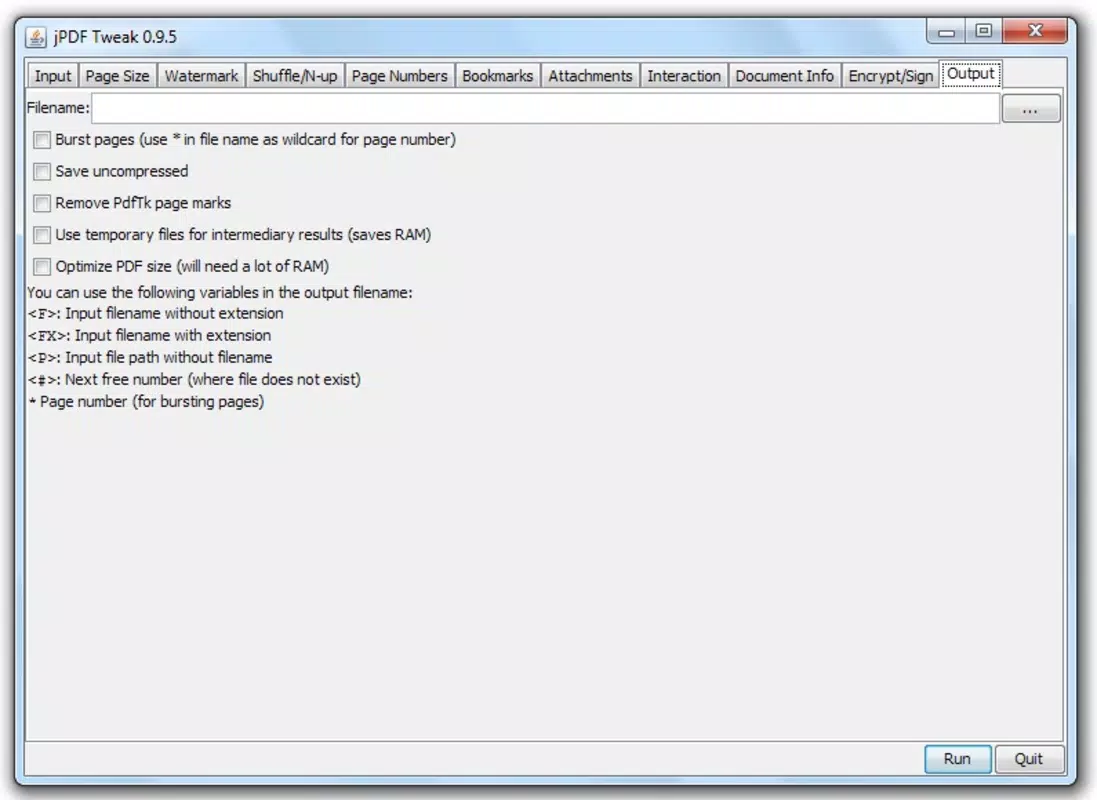
- Intuitive Tab-Based Interface: All tools are organized into clearly labeled tabs, enabling users to navigate quickly between functions without confusion. Even those with minimal experience in document editing can operate the app effectively.
Each feature is designed with practicality in mind. For example, merging documents on a mobile device allows a user to finalize a project during a commute. Similarly, adding a watermark to a draft before sharing it externally ensures that unauthorized use is discouraged. The ability to sign documents directly on the device reduces dependency on external software and accelerates workflow completion.
Interface, UX & Performance
The user interface of jPDF Tweak is clean and logically structured, featuring a tab-based navigation system that groups related functions together. This layout minimizes clutter and supports a smooth user experience, particularly for those who value efficiency and clarity. Visual elements are minimal but functional, ensuring that the focus remains on document manipulation rather than interface distractions.
Navigating between tools is straightforward, with consistent iconography and labeled sections. The app’s responsiveness is adequate for basic editing tasks, and the layout adapts well to different screen sizes. Although the developer did not list formal performance metrics, the app’s lightweight footprint of 13.7 MB suggests optimized resource usage, which contributes to stable operation across a range of Android devices.
Stability appears to be a strength, given the app’s long-standing release history. Users can expect consistent behavior when performing common tasks like merging files or applying watermarks. However, specific requirements for device compatibility were not fully disclosed. The app likely performs well on mid-range and higher-end Android devices, but performance on older models may vary without further information.
Platform Compatibility & Technical Requirements
jPDF Tweak is available exclusively on the Android platform. The current version is 3.3.1, with a file size of 13.7 MB. This compact size indicates a streamlined application focused on core functionality without unnecessary bloat.
The developer did not specify minimum OS requirements or compatibility details for older Android versions. As such, users should ensure their device meets standard Android 5.0 or later specifications for optimal performance. While no formal testing data was provided, the app’s age and continued availability suggest it remains compatible with modern Android releases.
Pros and Cons
Pros
- Free to download and use with no hidden costs
- Lightweight design with minimal storage impact
- Intuitive tab-based interface suitable for beginners
- Supports essential PDF editing tasks on mobile
- Open-source nature allows transparency and community contributions
Cons
- Specific compatibility requirements were not listed
- Developer did not provide information on advanced features or updates
- Limited availability—only available on Android
- No official support channels mentioned
- Performance on low-end devices may vary without further details
FAQ
Is jPDF Tweak safe to download and install?
Yes, the app is free and available through official channels. As an open-source tool, its code is publicly accessible, allowing users to verify its integrity. However, always download from trusted sources to ensure security.
Can I use jPDF Tweak on iOS devices?
Currently, the app is only available for Android. There is no official iOS version released by the developer.
Does jPDF Tweak support PDF signing?
Yes, the app includes functionality to add digital signatures to PDF documents, enhancing authenticity and legal validity for shared files.
How often is jPDF Tweak updated?
The developer has not disclosed a regular update schedule. However, the app’s long-standing presence suggests ongoing maintenance and occasional improvements.
Can I merge multiple PDFs using jPDF Tweak?
Yes, one of the core features is the ability to merge multiple PDF files into a single document, making it easier to organize and share content.
Final Thoughts
jPDF Tweak delivers a reliable, no-cost solution for mobile PDF editing, combining essential utilities in a compact and accessible format. Its clean interface, support for merging, watermarking, and signing, and open-source foundation make it a valuable tool for anyone managing documents on the go. While compatibility details are limited and the app is exclusive to Android, its core functionality remains robust and practical.
Users who need to edit, organize, or secure PDFs without relying on desktop software will find significant value in this app. Whether preparing a presentation, submitting a form, or protecting confidential information, jPDF Tweak offers a straightforward, efficient workflow.
Download jPDF Tweak now


